Callsheet
One definition for your API calls, shared across your entire app.
Data-fetching libraries give you great building blocks but it's up to you to decide how operations should be organized. Callsheet lets you organize your API calls in one place with cache identity, shared defaults and related behavior built in. Define your calls once, then consume them through an adapter like React Query or SWR.
How it Works
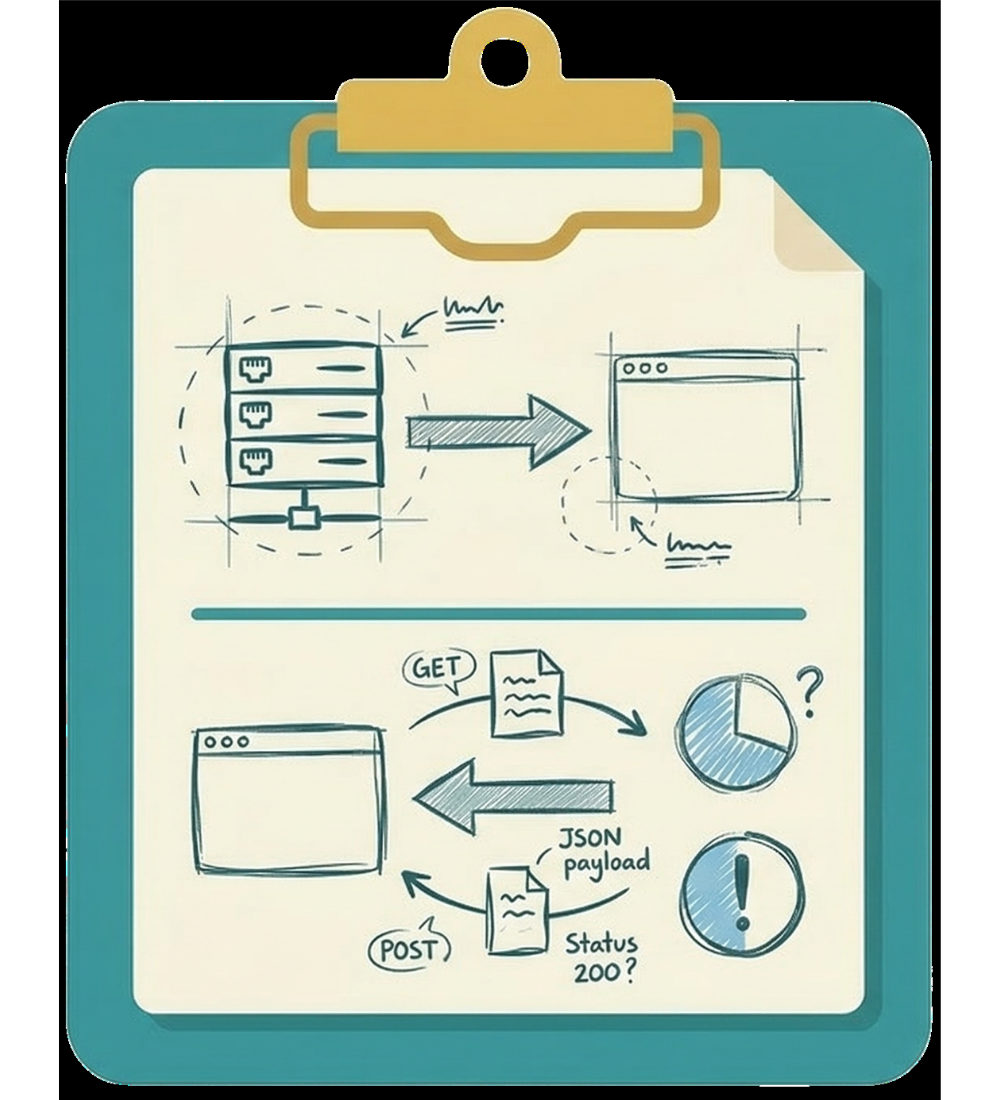
Callsheet connects your API call definitions to your data-fetching library.
- Your API calls can come from GraphQL Code Generator,
ts-rest, or manual definitions - Callsheet organizes them into one shared surface with cache identity, defaults, and relationships
- Your components use those calls through React Query or SWR
Callsheet does not replace your API tools or your data-fetching library. It gives them a shared structure to build on.
Code example
Here's what a call definition looks like:
import { defineCalls, mutation, query } from '@callsheet/react-query';
// or from '@callsheet/swr'

export const calls = defineCalls({
  films: {
    featured: query({
      family: ['films', 'list'],
    }),
    byId: query<{ id: string }>({
      family: ['films', 'detail'],
      key: ({ input }) => [input.id],
    }),
    update: mutation<{ id: string; title: string }>({
      invalidates: [
        ['films', 'list'],
        ['films', 'detail'],
      ],
    }),
  },
});
Your components use calls through React Query or SWR:
React Query
const film = useQuery(queryOptions(calls.films.byId, { input: { id } }));
const updateFilm = useMutation(calls.films.update);
SWR
const { data: film } = useQuery(calls.films.byId, { input: { id } });
const { trigger: updateFilm } = useMutation(calls.films.update);
You define a call once and can use it anywhere.
Get Started
If you want to get Callsheet running, head to Quickstart and choose the setup path that best fits your app.
For a deeper look at what calls are and how they work, read Calls.